How to Extract Data Without Coding: No-Code Web Scraping
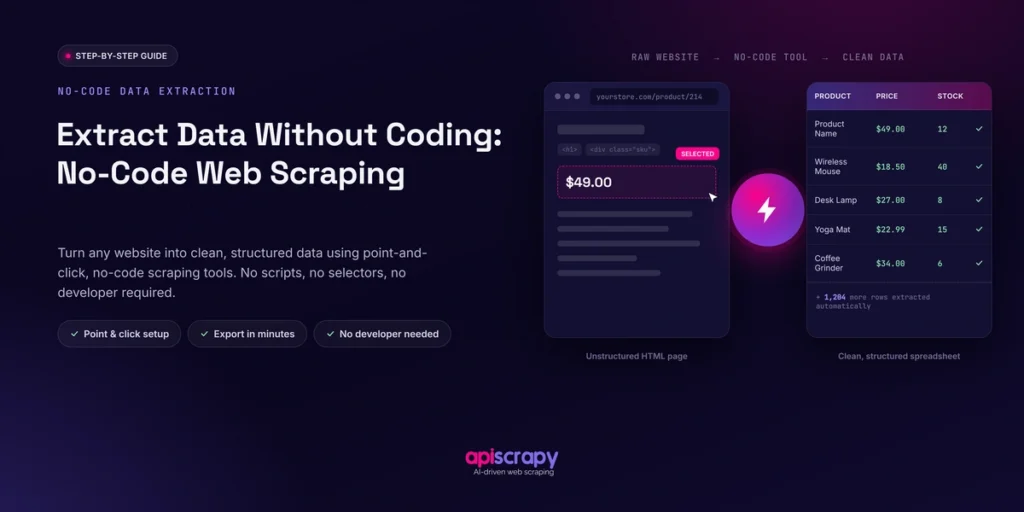
For years, extracting structured data from websites felt like a job reserved for developers. You either had to learn Python, understand HTML and selectors, or spend money hiring someone to build and maintain a scraper. No-code web scraping has changed that equation. Today, visual scraping tools let marketers, researchers, analysts, and business owners collect the data they need without writing a single line of code.
This guide explains what no-code scrapers are, the three main ways they work, and how to run your first scrape step by step.
You will also see what output actually looks like, so you know what to expect before you start, and how to pick a solution that fits your scale and technical comfort.
- No-code scraping is now mainstream: as of 2026, extracting structured data no longer requires developers or Python as a plain-language instructions or point-and-click tools handle it.
- Three methods fit different needs: visual builders for repeatable single-site jobs, AI-driven plain-English tools for fast one-off jobs, and pre-built marketplace templates for common high-volume sites like ecommerce or job boards.
- The process is the same under the hood: page rendering, field detection, data structuring, and export all happen automatically, regardless of which method you choose.
- Pagination is the most common failure point: skipping navigation setup for multi-page data is where first-time scrapes lose the most data.
- Choose based on scale, not brand: prioritize scalability, export flexibility, and reliability against CAPTCHAs and layout changes over marketing claims when picking a tool.
What Are No-Code Scrapers?
Four-step-no-code scraping-process.
A no-code scraper is a service that pulls structured data off web pages without requiring the user to write or maintain any code. Instead of scripting requests and parsing HTML, you point at what you want or describe it in plain language.
Marketers, ecommerce sellers, researchers, recruiters, and analysts rely on these services most often. None of these roles need to know what a CSS selector is to get value from the data.
In real workflows, no-code scraping shows up as price tracking across competitor sites, building lead lists from directories, pulling product catalogs, or aggregating news and reviews for analysis. The output usually lands in a spreadsheet, database, or another business application within minutes.
3 Main Ways to Scrape Without Code
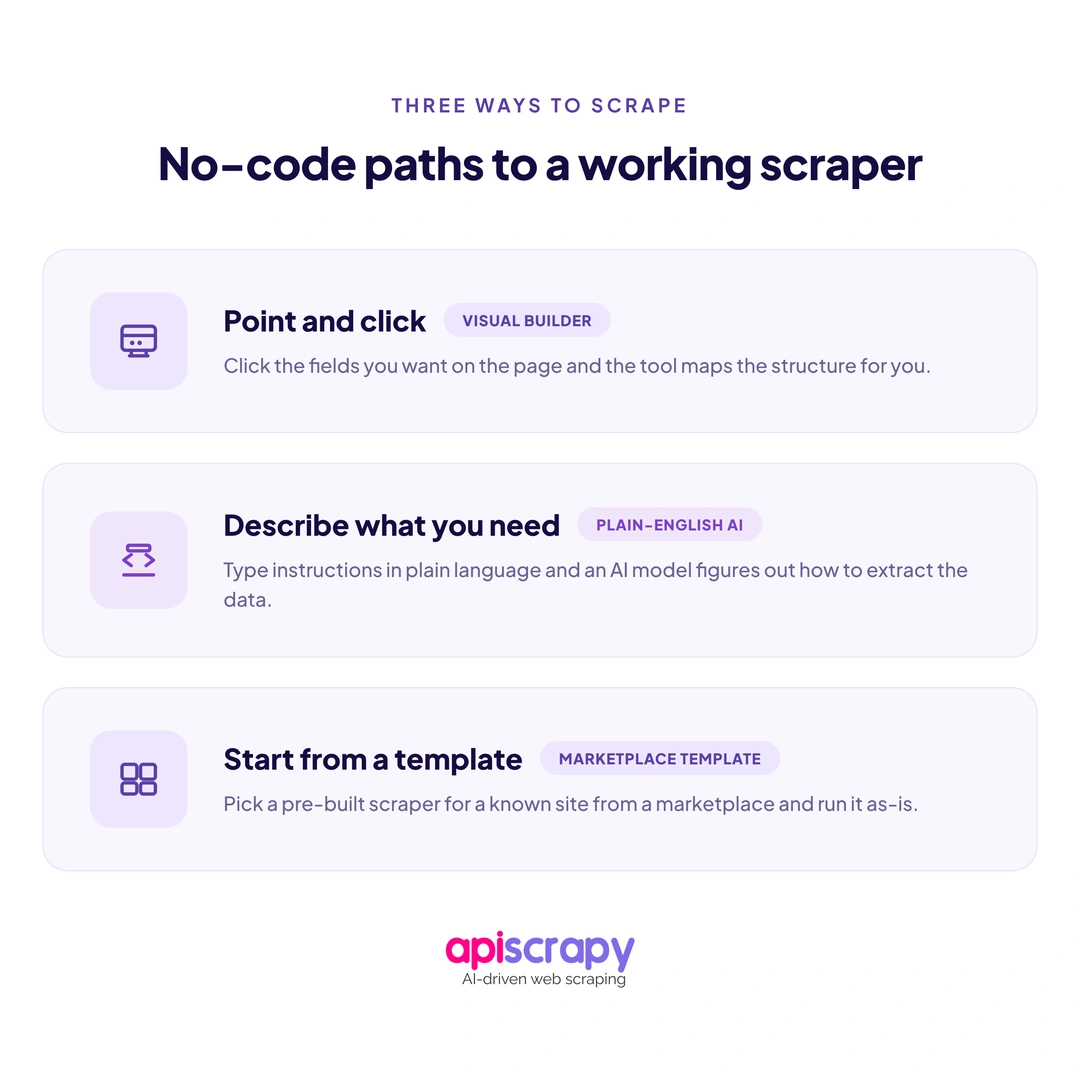
Most no-code scraping falls into three categories, and each suits a different kind of user and task. Understanding the difference helps you avoid paying for more complexity than you actually need.
1. Point-and-Click Visual Builders
These tools open the target page inside a browser-like interface and let you click on the exact elements you want, such as a price, a title, or a review count. The service then generates a repeatable extraction pattern behind the scenes, so the same clicks apply automatically to every similar page.
- Best for repeatable scraping on a single site with a consistent layout.
- Requires more setup time upfront than prompt-based methods.
- Gives precise control over exactly which fields get captured.
2. Plain-English AI Scraping
Instead of clicking through a page, you type an instruction like “get the product name, price, and rating from this page” and the service interprets the request using AI. This method has grown quickly through 2026 because it removes even the small learning curve of visual builders.
- Best for non-technical users who want the fastest possible setup.
- Adapts more gracefully when a page’s layout changes slightly.
- Works well for one-off jobs where building a reusable template is not worth the time.
3. Pre-Built Marketplace Scrapers
Many services offer ready-made templates for popular sites and platforms, such as marketplaces, job boards, or social profiles. You pick a template, enter your target URL, and the fields are already mapped for you.
- Fastest option to deploy since the field mapping is done in advance.
- Less customizable if your target site is not already covered.
- Ideal for common, high-volume use cases like ecommerce or directory data.
How Data Extraction Without Coding Actually Works
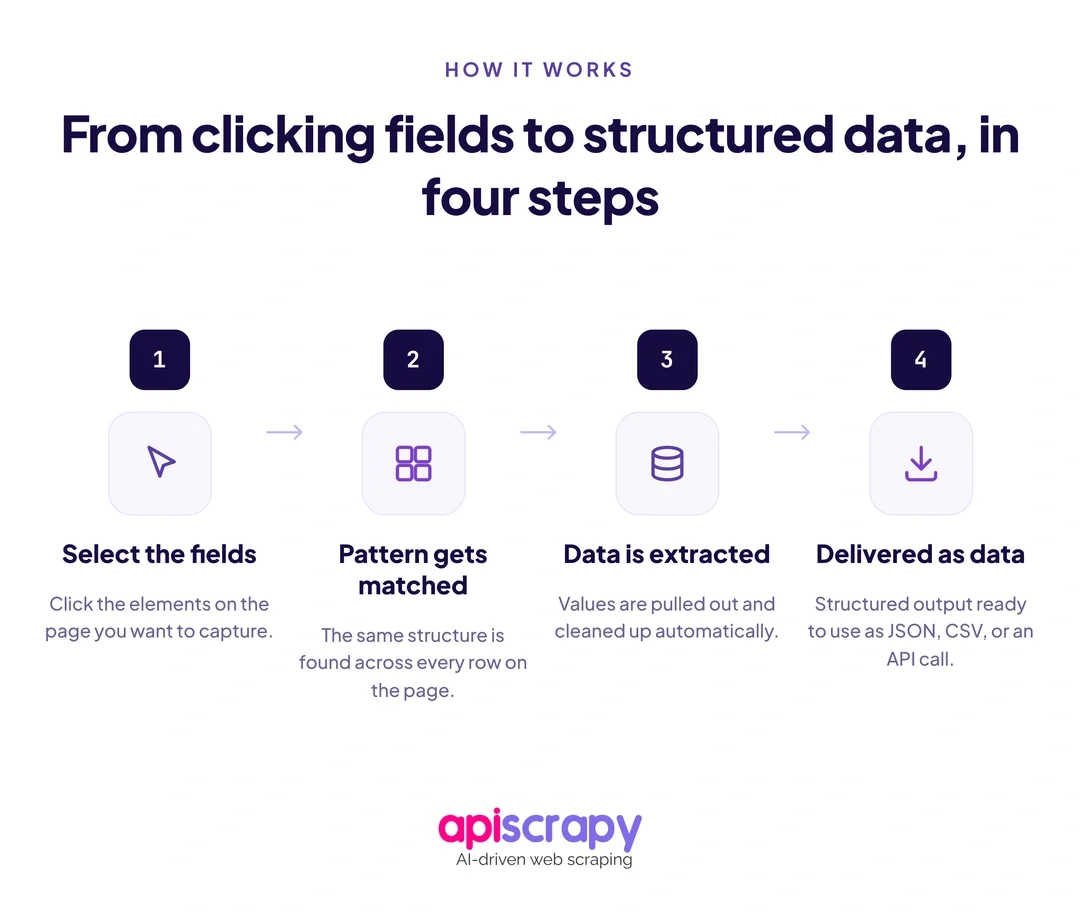
Even though the user experience feels simple, several steps happen automatically once a scrape is triggered. Knowing this helps set realistic expectations about speed and reliability.
- Page rendering: the service loads the page, including JavaScript-heavy content, the same way a browser would.
- Field detection: your selections or plain-English instructions get mapped to the actual elements on the page.
- Data structuring: raw page content gets converted into clean rows and columns or key-value pairs.
- Export and delivery: the structured data is sent to your chosen destination, whether that is a file or a connected app.
None of this complexity is visible to the end user, which is the entire point of a no-code service. You describe the outcome you want, and the underlying engineering happens out of sight.
{

"product_name": "Wireless Mouse",

"price": "$24.99",

"rating": "4.5"

}
Want to Scrape a Webpage?
Here’s How to Do It Step by Step
The exact interface varies between services, but almost every no-code scraper follows the same four-step logic. Here is what to expect at each stage.
Enter the Target URL
Paste the web address of the page you want to extract from into the service. Confirm the page is publicly accessible and does not sit behind a login, since most no-code tools cannot authenticate on your behalf by default.
Select Your Fields
Click on the specific pieces of data you want, such as a title or a price, or describe them in plain language if you are using an AI-based service. The tool will highlight matching elements so you can confirm the selection is correct.
Configure Navigation
If the data spans multiple pages, set up pagination or infinite scroll handling so the scraper follows the full list rather than stopping at page one. This step is where most first-time scrapes lose data if it gets skipped.
Run and Export
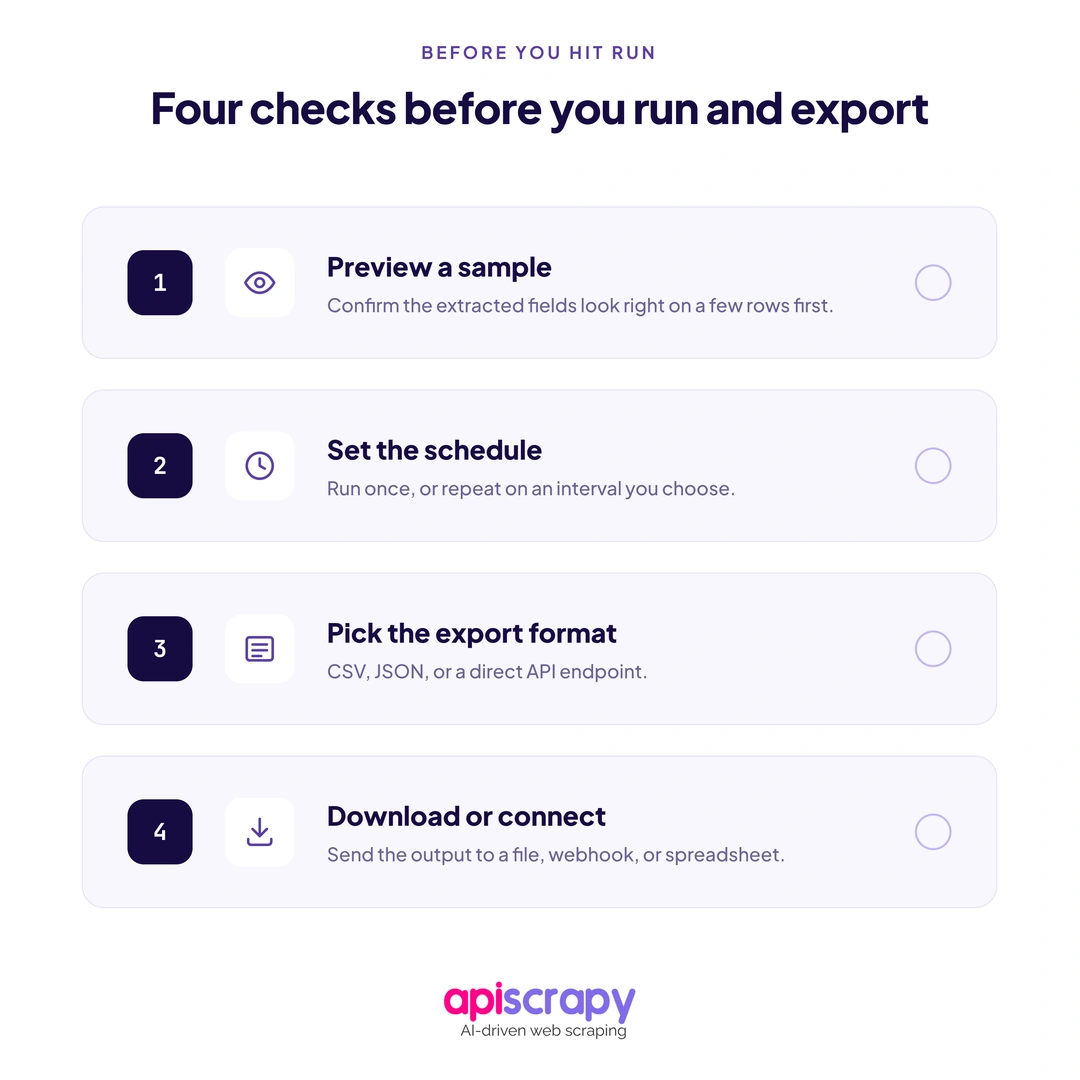
Start the job and choose your export format, typically CSV, JSON, or a direct connection to an app like Google Sheets. Most services also let you schedule the same scrape to run again automatically on a recurring basis.
name,price,rating
Wireless Mouse,$24.99,4.5
How to Choose the Best No-Code Scraper?
The right choice depends less on brand reputation and more on your scale, technical comfort, and how complex your target sites are. A tool built for a single browser extension job is not the right fit for ongoing, large-scale monitoring.
- Ease of use: how quickly a first-time user can complete a working scrape.
- Scalability: whether the service can handle thousands of pages without breaking.
- Export flexibility: support for CSV, JSON, APIs, and direct app integrations.
- Support and reliability: how the service handles CAPTCHAs, layout changes, and blocks.
- Pricing: whether costs scale predictably as your data needs grow.
APISCRAPY is one service worth evaluating in this category, particularly for teams that expect their scraping needs to grow past occasional, one-off jobs. It is built to handle structured extraction at scale while still keeping the setup process accessible to non-technical users.
For a real-world view of how teams talk about this decision, this No code web scraping Reddit thread is a useful discussion of what people actually look for beyond marketing claims.
Start Building Your Web Crawler Today
Conclusion
No-code web scraping has made structured data collection accessible to anyone, regardless of technical background. Point-and-click builders, plain-English AI tools, and pre-built templates each solve the same problem in slightly different ways.
The right fit ultimately comes down to your scale, the complexity of your target sites, and how much control you want over the setup process.
If you are ready to see how a managed service handles this at scale, book a demo to walk through your sp
Frequently Asked Questions
Can you scrape a website without coding?
Yes, no-code scrapers let you extract data through point-and-click selection or plain-English instructions instead of writing scripts.
Can ChatGPT scrape websites?
Not reliably on its own; ChatGPT can interpret pasted content, but a dedicated no-code service handles live rendering, navigation, and export at scale.
Is a no-code scraper better than Python?
For most business users, yes, since it is faster to set up and needs no programming background, though Python still wins on highly custom logic.
How do I scrape data from a website into CSV or JSON?
Choose CSV or JSON as your export format during setup, and the service delivers the structured data in that format automatically.